Contact support@sitemule.com or call +45 70 20 38 10.
All new installations will get free support for a 30 day period.Support for our products is subsequent subject to payment. See Service Agreements below.


Contact support@sitemule.com or call +45 70 20 38 10.
All new installations will get free support for a 30 day period.
Contact support via e-mail.
Contact support via phone: +45 70 20 38 10
All new installations will get free suport for a 30 day period.
Support for our products is subsequent subject to payment. See Service Agreements for your choice of support.
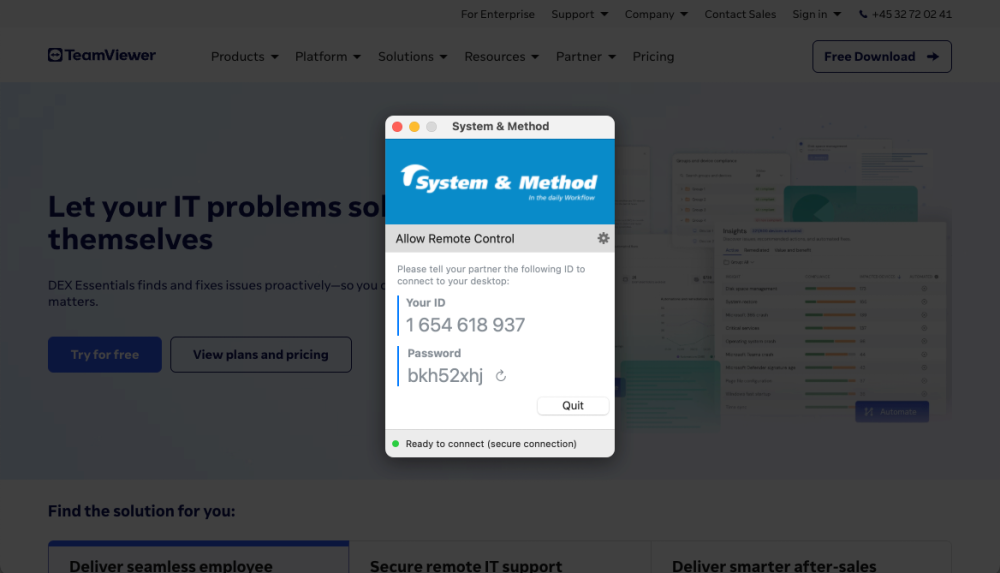
Upon agreement with one of our supporters, Remote Support can be activated.
System & Method is using TeamViewer for online remote desktop support.
We provide solutions and services that support both standard and tailor-made systems for companies worldwide, serving a wide range of industries such as banking, finance, insurance, manufacturing, retail, logistics, and beyond. Let us help you - get in touch today!